
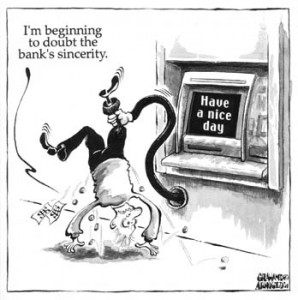
Overdraft fees – the dreaded word many busy Americans unfortunately hear from time-to-time while trying to juggle multiple accounts. To help keep their personal finances in order and in the black, Appitalism.com, the mobile app superstore, has put together a list of the top apps to view your overall banking accounts, financial records and daily banking transactions, no matter the time of day or current location.
While trying to keep track and pay the mortgage, car payments, student loans and just the monthly bills, the average American has a lot on their plate and often uses more than one account to do so.
Below is a list of apps you can get for your iPhone or Blackberry that can help manage your finances:
- Bankarama ($2.99 for the iPhone) – When is the last time your bank charged you for an overdraft fee? What did it cost? Bankarama is worth the price. It’s highly optimized to be used quickly, every day – while the receipt is printing for a debit card transaction. You can use it every day and be confident of your balance every time.
- Account Tracker Free (Free for the iPhone) – This is a free/lite version of Account Tracker, an easy to use account tracking, budgeting and expense management application that lets you enter then track income, spending and balances across multiple accounts. It has all the features and functionality of the full version but it is limited to 25 transactions.
- QuickBank Checkbook with Desktop Exporting ($.99 for the iPhone) – Manage your daily transactions with speed and ease! Balance your checkbook, keep track of credit card charges, cash expenditures, etc. You can even share all of your expenses for use with Quicken, Microsoft Money, Excel and other desktop finance programs.
- Mobile Banking (Free for the BlackBerry) – Manage your finances anywhere, anytime! Mobile Banking allows you to perform financial transactions while on the move, without making a special trip to the bank. With Mobile Banking, you can view your account balances, account history, make transfers, and pay bills in just seconds.
My bank actually offers a program similar to this, but by the time you get the overdraft notice…it’s too late! Its usually after the fact and not before….I only wish they had one of these apps for the Droid phones. If you have a Blackberry or iPhone, you should definitely consider one of these apps to help manage your money 🙂

Post published by Melissa Roach, our Product Review & Giveaway Specialist.
Melissa is a Full Time Mom & Blogger HERE (please check out her blog!)
Leave a Reply